

Step 1: Check Your Phone
Make sure your phone is compatible:
- iOS 11.0 or later
- Android 6.0 or later
- At least 100 MB free space
Step 2: Download Salve App
Step 3: Set Up Your Account
Sunfert Clinic Invite Code: FDAA71
Use the email address, phone number and date of birth registered with Sunfert to ensure successful registration.
Incorrect details may cause registration to be unsuccessful.
Step 4: Start Using Salve
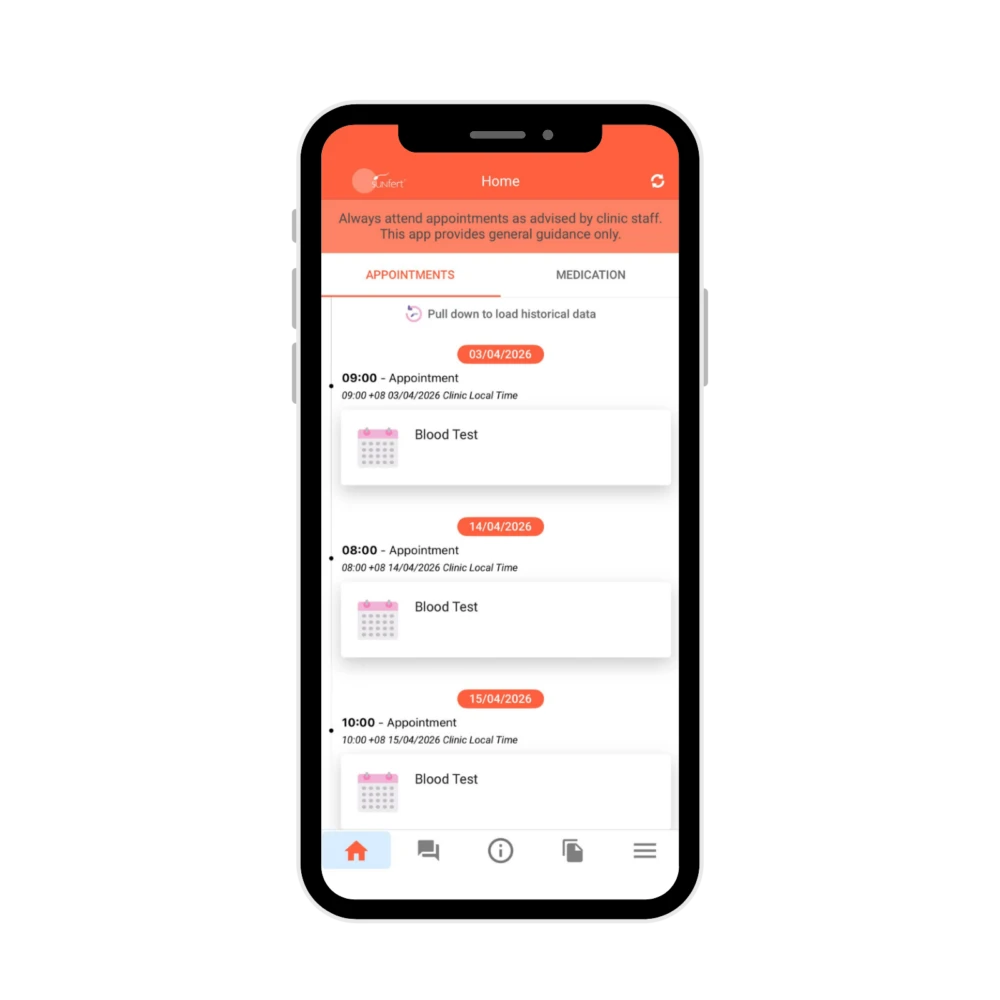
View appointments, receive reminders, message our team securely and access patient resources.
Having Trouble?
- Search for "Salve" in the correct app store
- Restart your phone if installation fails
- Check that your email and phone number match your Sunfert registration details